
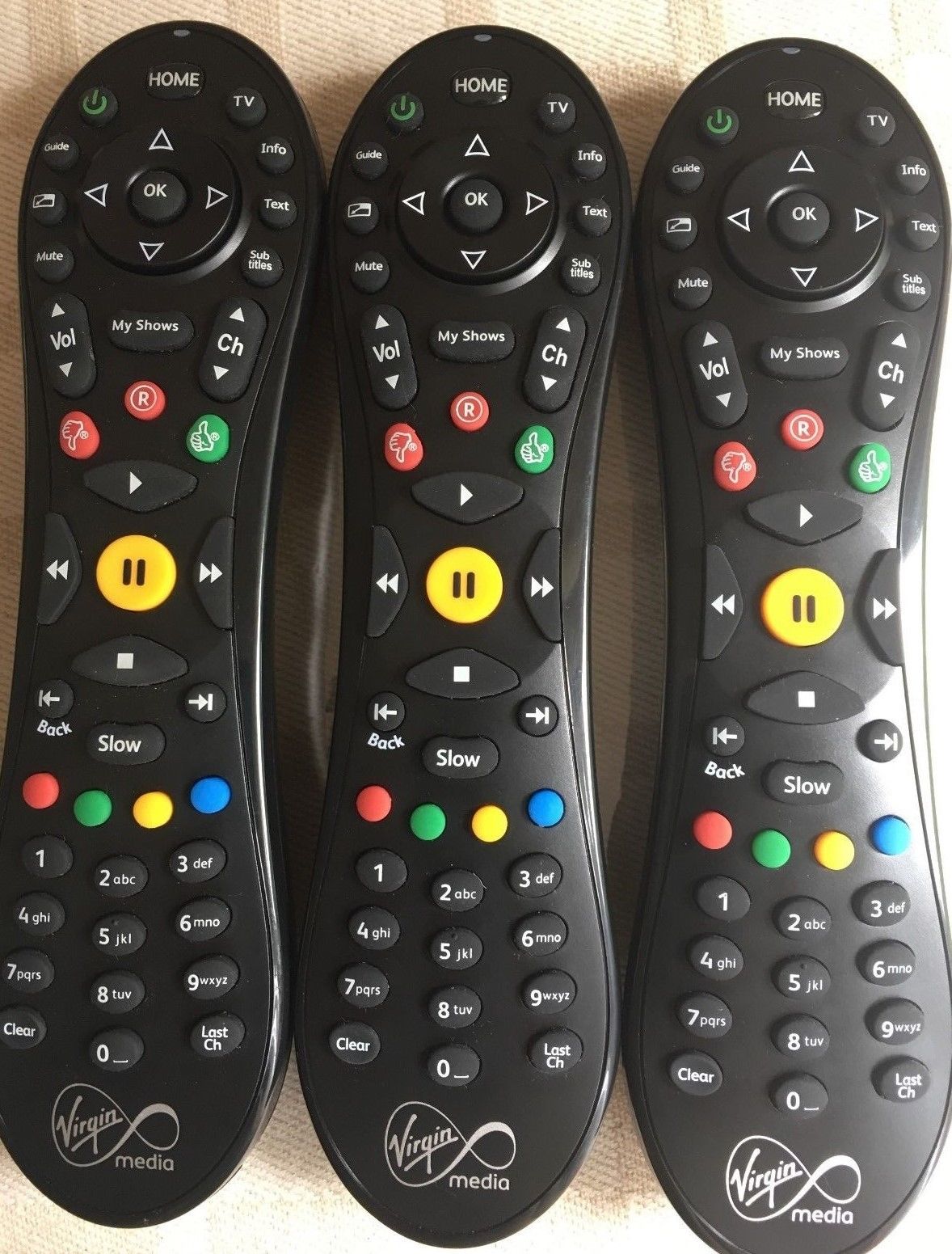
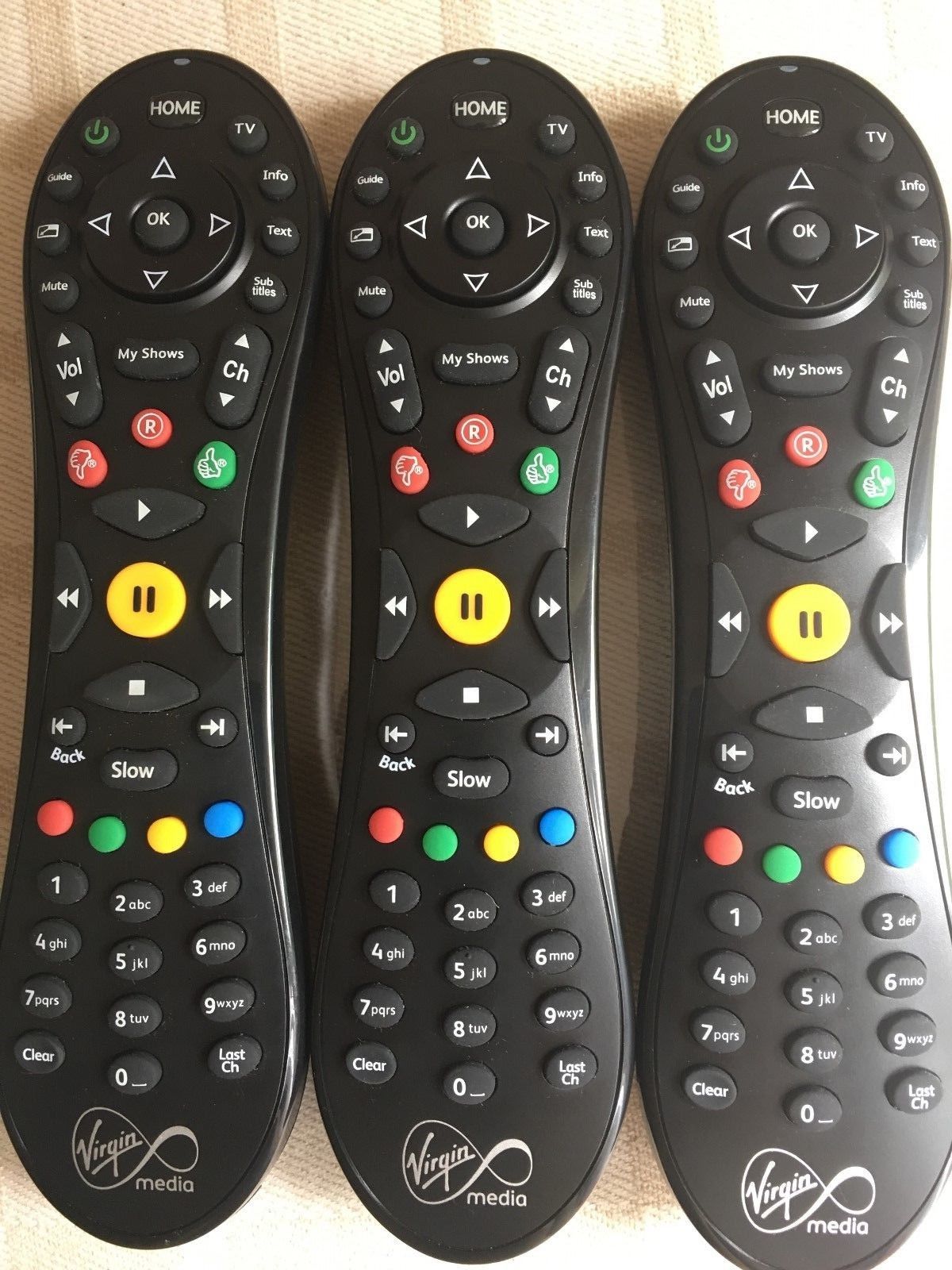
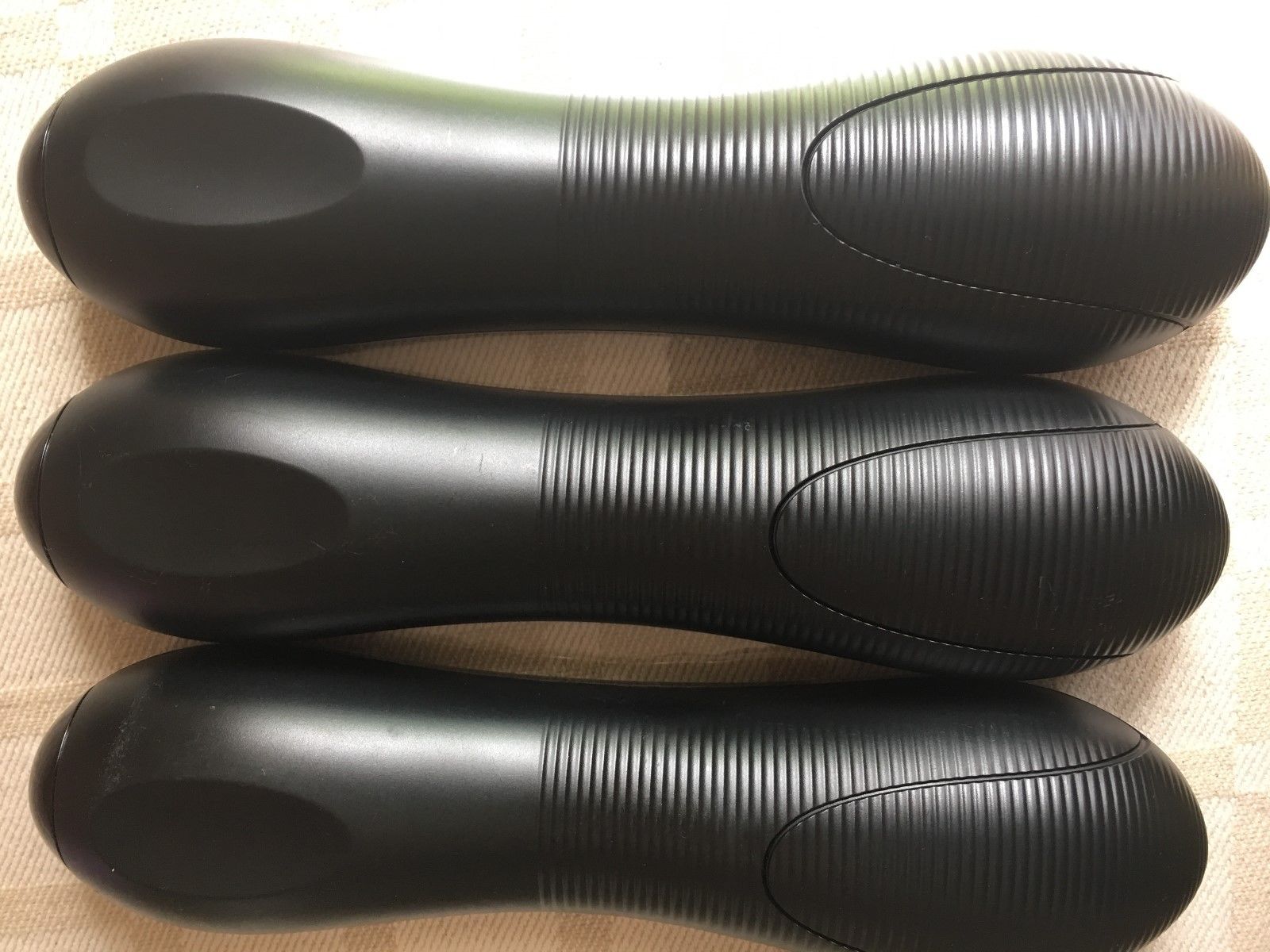
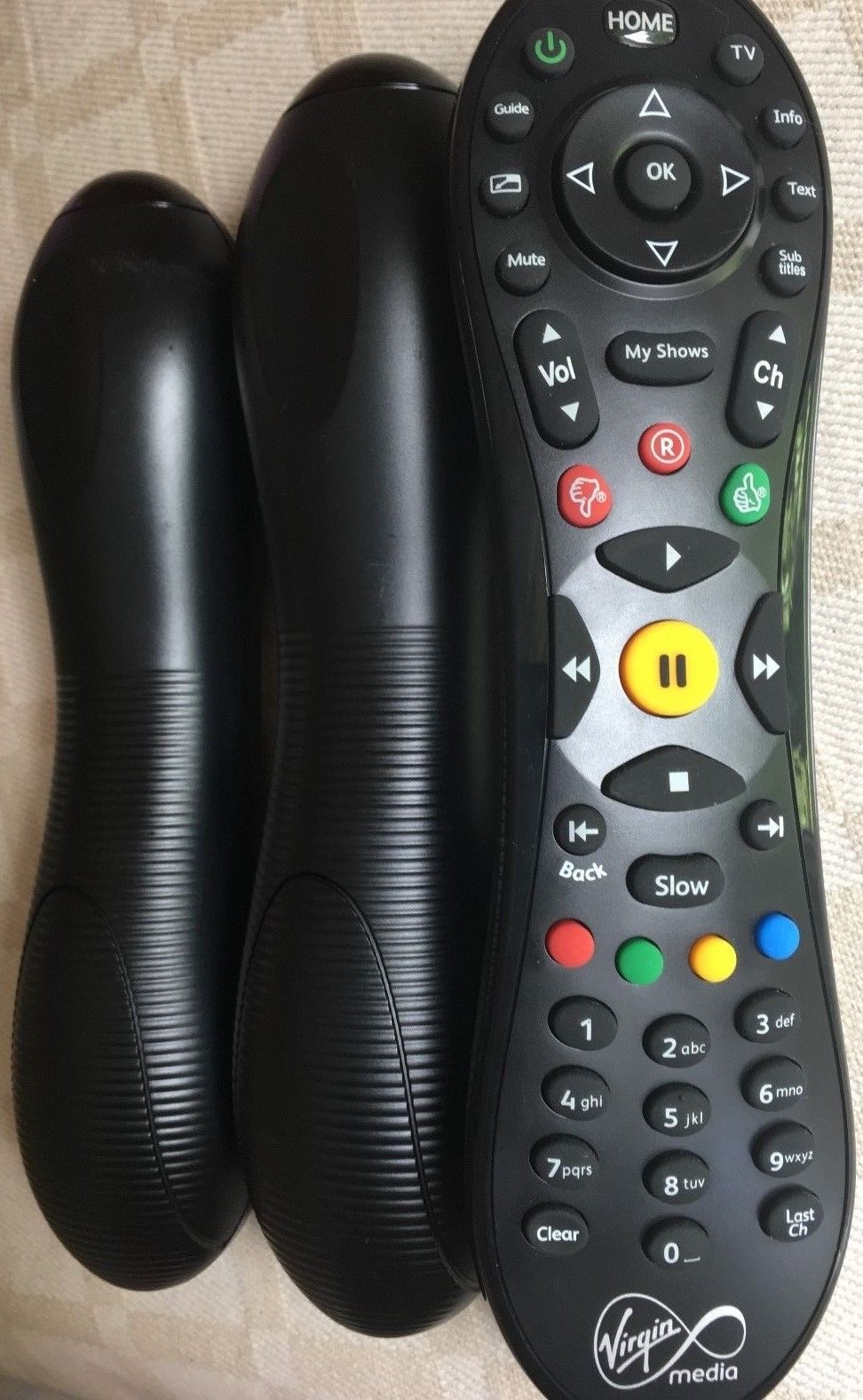
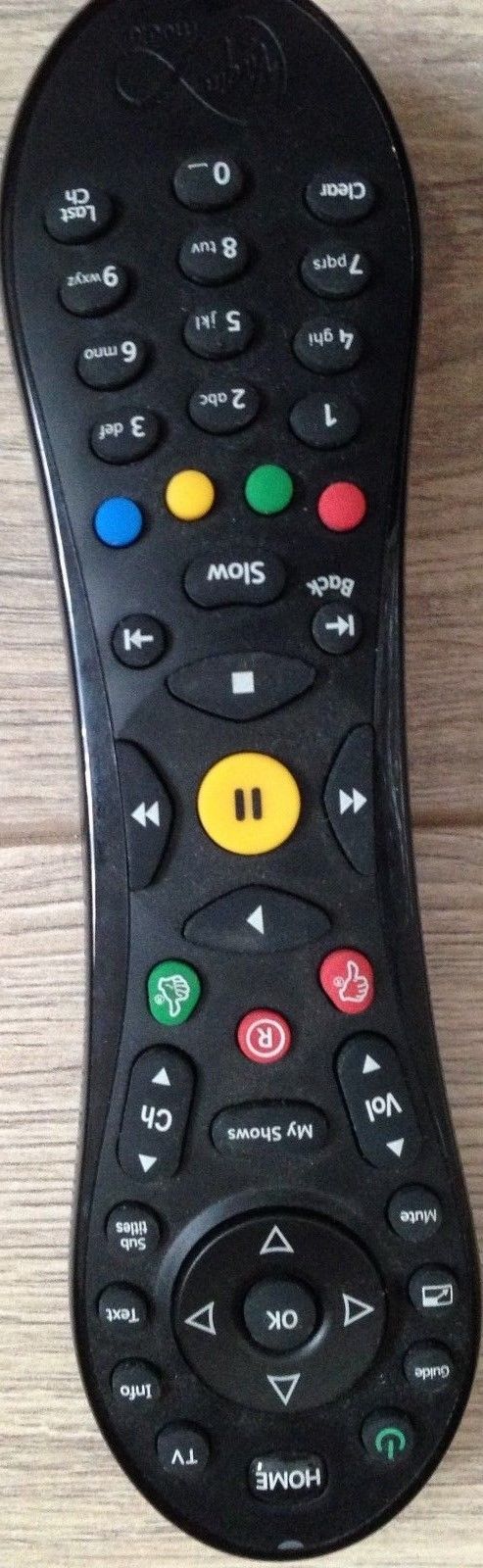
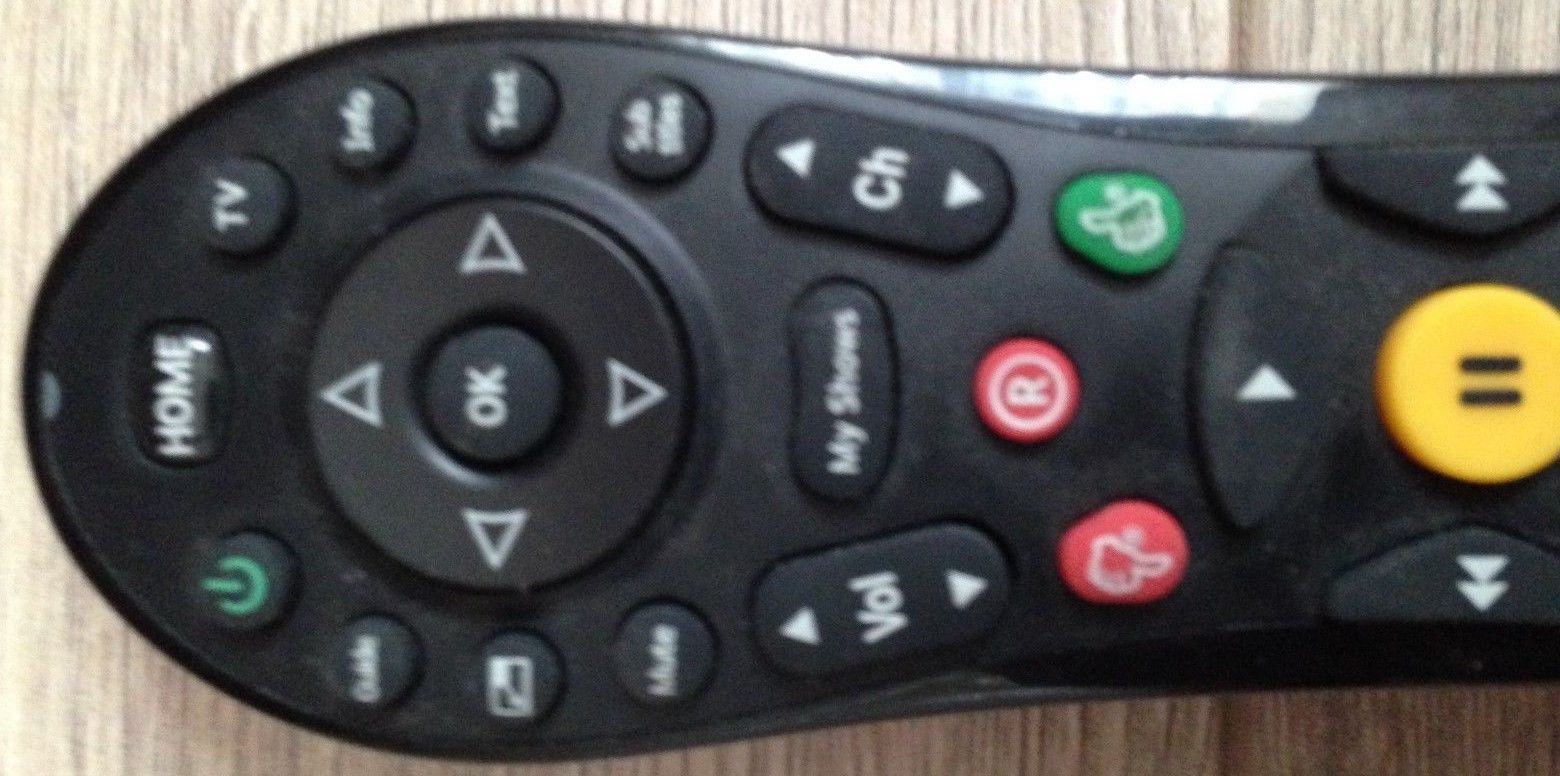
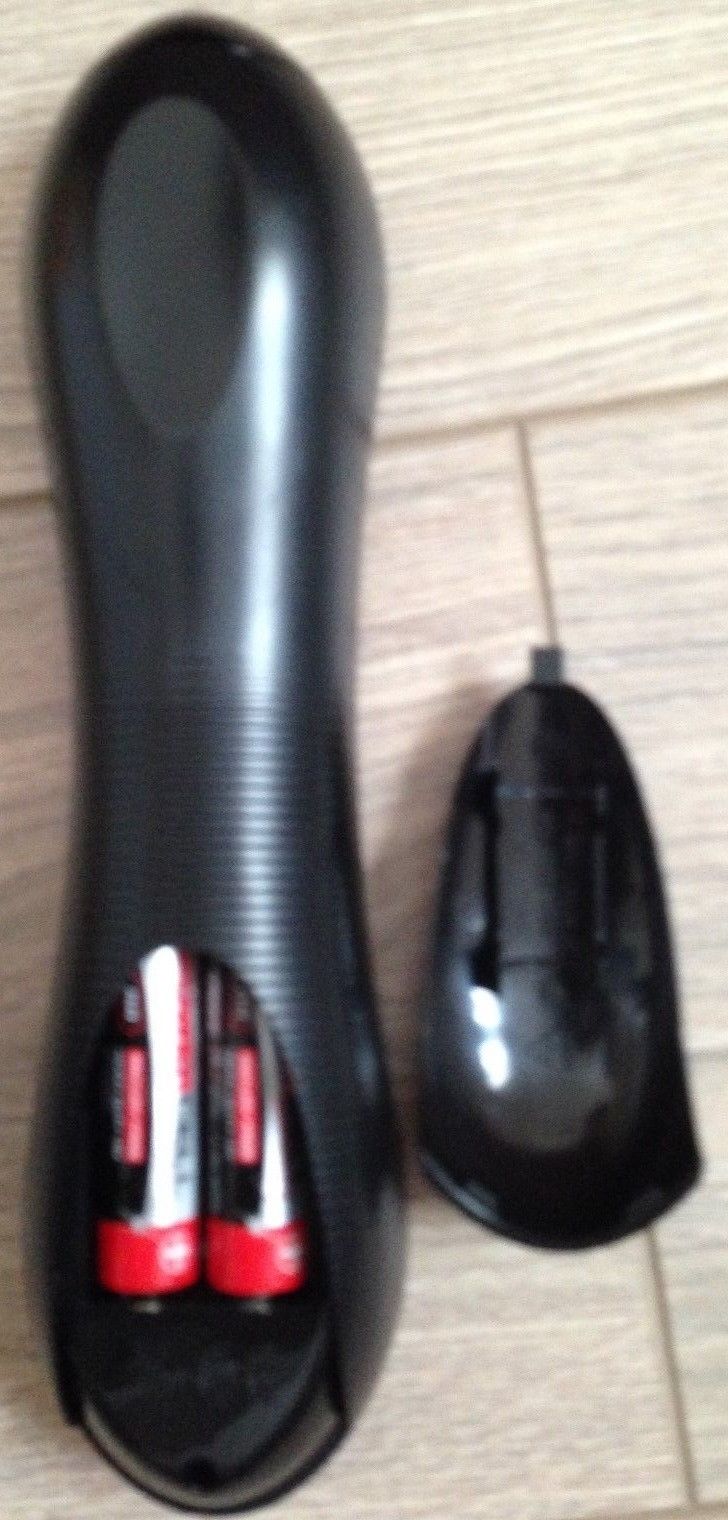
Description
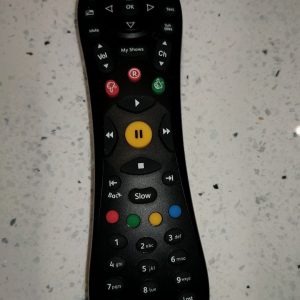
PLUS
FREE
2 X AA BATTERIES
if you require to pair the remote to control TV characteristics you should watch this video
Programming your remote utilizing a code search
The only strategy to programme your TiVo remote to work along with your TV is by looking for the proper code.
- Ensure that your TV and your TiVo field are switched on.
- Press and maintain down and on the identical time, till the gentle on the highest from the remote flashes inexperienced twice.
- Enter the code 0999 to entry the TV code database – the LED will flash inexperienced twice.
- Press channel up repeatedly till a code turns off your TV – the LED will flash inexperienced every time a code is shipped.
- When your TV turns off, use your TV remote to show your TV again on.
- Press and to test that the remote is working along with your TV. If it is not working proceed to go looking utilizing channel up till the following code turns off the TV, and repeat steps 5 and 6.
- When the Quantity and Mute keys work, press to retailer the code. The LED will then flash inexperienced twice.
In the event you attain the tip from the code database, the gentle on prime from the remote will give an prolonged crimson flash and exit programming mode.
In the event you assume you’ve missed the code, you may work backwards via the code database by urgent the channel down button at any time.
When you’ve set up your TiVo remote to control the amount and mute in your TV, some TVs will assist control from the standby operate too. To test this, simply press and maintain standby for greater than 5 seconds after which launch, and your TV ought to flip off. Repeat this to show your TV again on. If this doesn’t work appropriately, then you definitely’ll want to make use of your TV remote to show your TV on and off.
Programming your remote utilizing a tool code
In the event you’ve been unable to programme your remote by looking for the right code, you may additionally programme the proper code into your remote from the system code record.
- Ensure that your TV and your TiVo field are switched on
- Discover your make of TV as well as the four digit code(s) that match it right here. If there‘s a couple of code in your TV make, strive the codes within the order listed.
- Press and maintain down and on the identical time, till the gentle on the highest from the remote flashes inexperienced twice.
- Enter the 4 digit code in your TV’s make from the record. The LED ought to then flash inexperienced twice. This reveals you’ve entered a sound code.
- and to test that the remote is working. If not, repeat the steps above utilizing a special code in your TV from the record.
- When you’ve programmed your remote you’ll discover that the gentle on the highest will flash inexperienced as a substitute of crimson when utilizing it for quantity and mute control.
The remote can solely retailer one system code at a time, so you may’t control a couple of TV, except every TV works with the identical code. This additionally means you could’t have a TV and an AV system programmed on the identical time.
Reset remote
To clear your modifications and reset your remote to its unique settings:
- Press and maintain down and on the remote on the identical time till the gentle on the highest from the remote flashes inexperienced twice.
- Press 3 times, then press
- The LED will flash inexperienced 4 instances and exit programming mode.
|
95% Subsequent Day Supply(in keeping with Royal Mail) In the event you Purchase Earlier than 11am WITH FREE POSTAGE. I receive proof of posting for all my gadgets.
CHECK MY FEEDBACK! ALWAYS IMMEDIATE SHIPPING! ALWAYS!!!
|





Reviews
There are no reviews yet.